Redeem Kick an Uma Codes
The click path for when the box ships — and what to do while it does not.
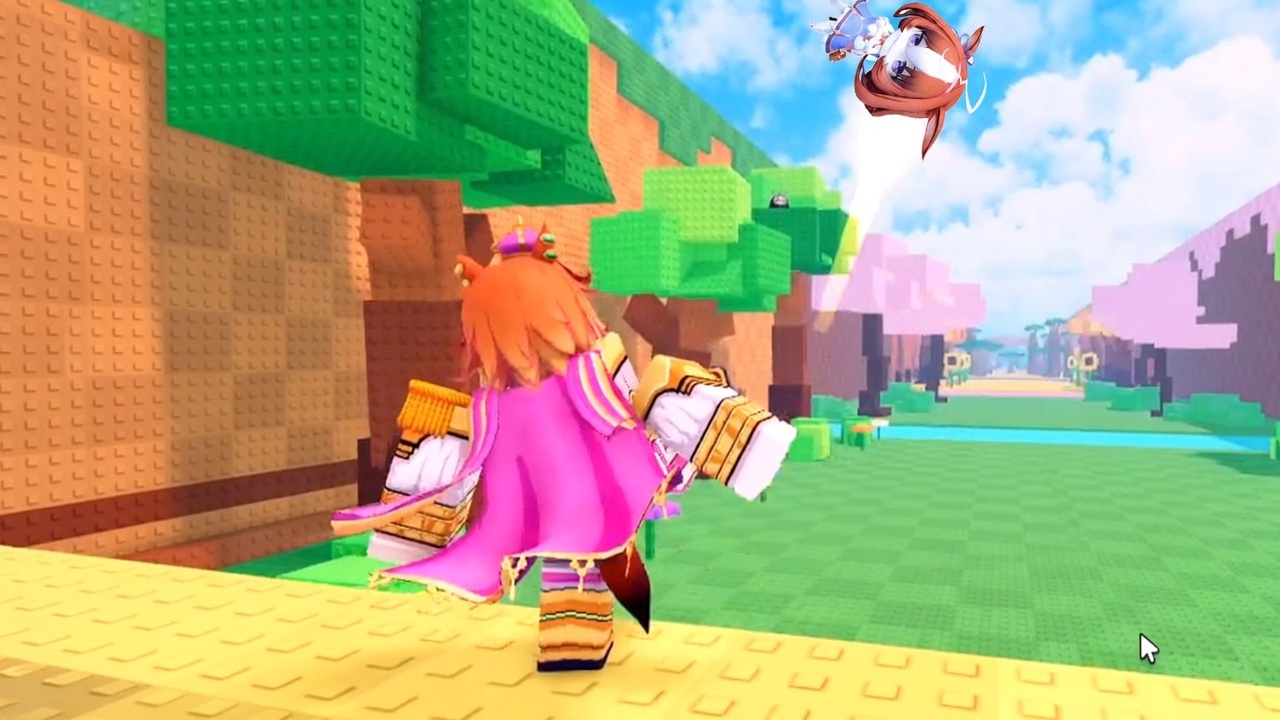
Players search “Kick an Uma codes” and then stall in the lobby looking for a gift icon that may not exist yet. This page is the redeem walkthrough for the Roblox experience when a Codes or Rewards field is live, plus a short checklist for launch week so you do not spend twenty minutes tapping empty HUD corners.
As of 7 September 2026 the codes hub still has zero verified strings and no confirmed redeem control. If your build matches that snapshot, stop hunting the UI and go kick. Come back here after a patch, a like-goal banner, or a group shout.
If the Codes button is in your build
Roblox tycoons usually hide redeem in one of three places. Check them in this order so you do not miss a tiny shop tab:
- Lobby HUD — a gift, ticket, or Twitter-bird icon on the left or right edge of the screen. Kick an Uma already uses a busy HUD (cash per second, rarity labels, E to Open), so a new Codes glyph would sit near Settings or Shop.
- Shop / Rewards tab — open the cash shop and look for a text field above gamepasses. Some clones put redeem next to luck potions instead of a dedicated button.
- Pause / Menu — the Roblox menu is not the codes box. Open the experience’s own Menu button, then look for Codes, Redeem, or Twitter.
Type the string exactly. Kick an Uma codes, when they exist, will be case-sensitive like every other Roblox tycoon. Do not add spaces. Do not paste a Discord invite. Tap Redeem once and wait for a toast. If nothing happens, the code is expired, already used on the account, or copied from another game.
Mobile, PC, and console notes
Kick an Uma is a Roblox experience, so the same account sees the same codes on phone and PC. Redeem on the device with the easiest keyboard — PC is less likely to autocorrect 1MVISITS into a word. Console players should open the text field with the on-screen keyboard and avoid the dash that some pads insert.
Codes are almost always per account, not per server. Redeeming on a private server still consumes the code. If a friend says a string “still works,” they may not have used it on their own account yet.
What a real reward looks like
In this genre a successful redeem grants a timed luck boost, a cash burst, or a short kick-power buff. It will not drop a Godly Kitasan Black into your inventory. After you redeem, go kick a Lucky Uma Block while the buff is up, then bank the unit with plot income. A luck window wasted on AFK is the same as no code at all.
If the toast says the code is invalid, check the codes hub before you try twelve variations. Typos happen; fake lists happen more often.
Launch-week checklist (no box yet)
Use this list until the UI exists:
- Open Shop, Settings, and every side icon once after you spawn.
- After a server shutdown or Saturday-style update, repeat the HUD scan — that is when redeem boxes appear in similar tycoons.
- Ignore any “code” that wants an executor. That belongs on script safety, not here.
- Keep playing the real loop: getting started → kick → place → train kick power.
If a developer shout posts a code in Discord or a group wall, we will put the string on the codes hub and link the click path back to this page. Until then, the honest redeem guide is: there is nothing to type.
Related pages
- Codes Hub — live and empty status
- Fake codes — Uma Racing and Lucky Block mix-ups
- Updates Hub — patch days when a box is most likely to appear
Frequently Asked Questions
Quick answers for Kick an Uma on Roblox.
Where is the Kick an Uma codes button?
Not confirmed in the 7 September 2026 build. Check Shop, HUD gifts, and Menu after each update. Full status sits on the codes hub.
Can I redeem the same code on two accounts?
Roblox tycoon codes are almost always one use per account. A second slot on the same Roblox user will not work.
Do codes work on mobile?
Yes, if the box exists. Use a keyboard that will not autocorrect the string, then kick while the boost is active.